This is the
actual software.
Not a mockup and not a redraw — these are screenshots of the real interface, taken from the running product. The names and numbers are invented, because publishing a real buyer's details to sell software would be a strange way to earn your trust.
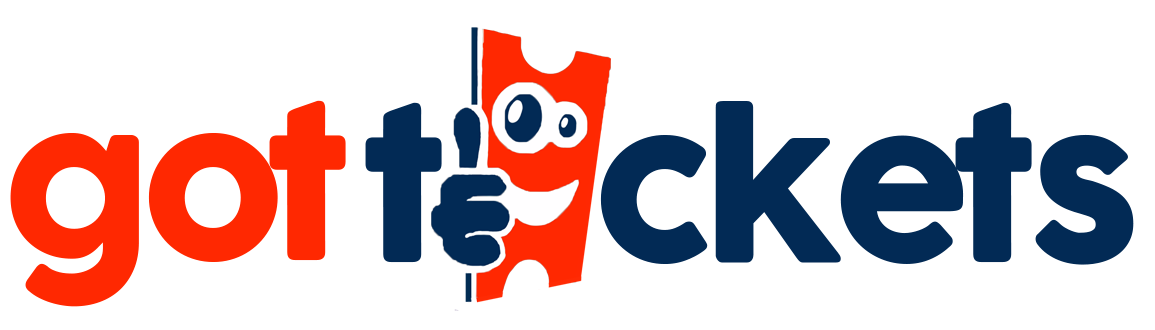
Every show, every sale,
one screen.
Open the dashboard and you know within two seconds whether tonight is selling. Lifetime takings, tickets sold this month, what is coming up, and the last sale that landed — not a wall of lifetime totals that tell you nothing about the show on Friday.
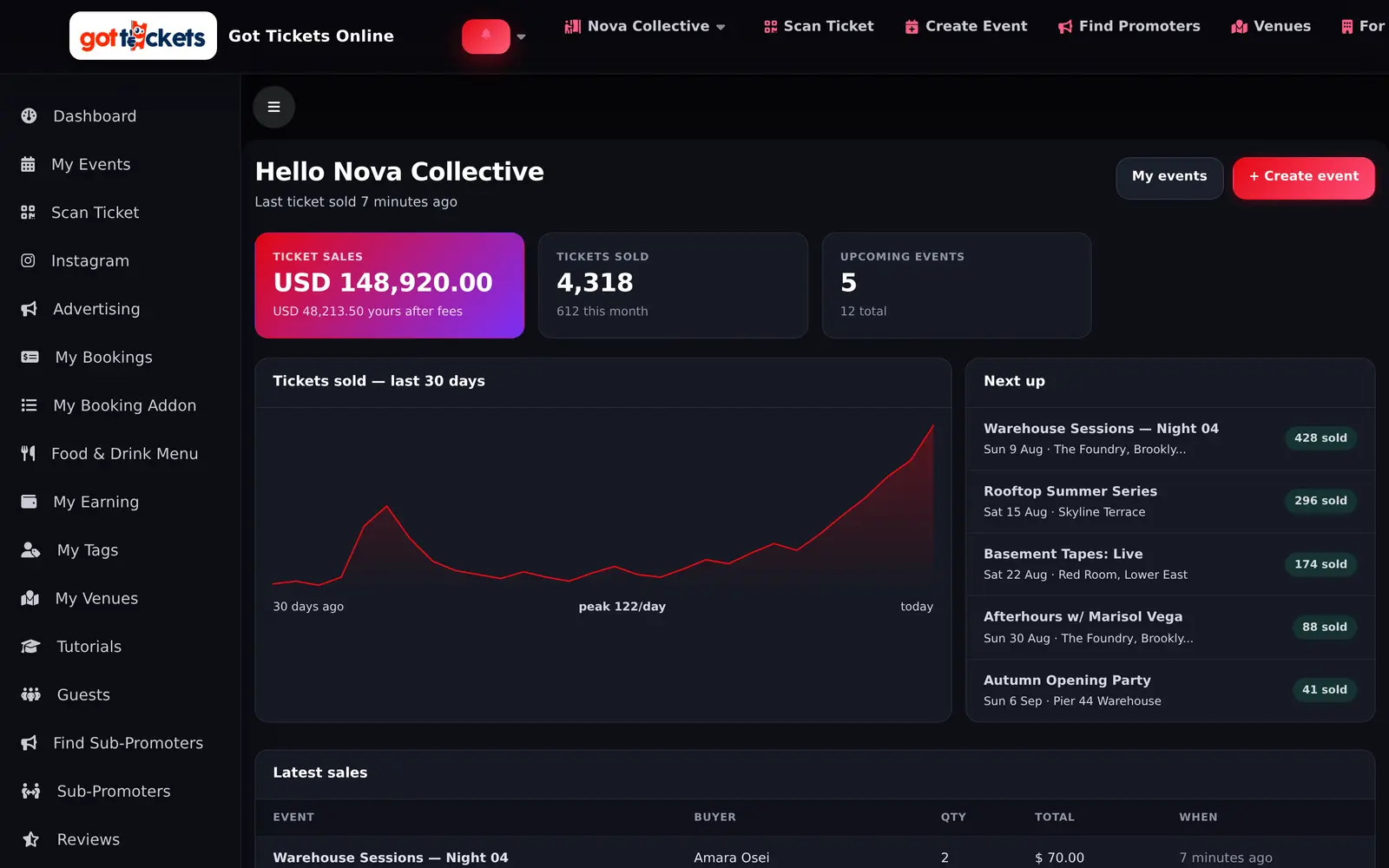
Every event you run,
on one line each.
Build an event, publish it, and manage it from a single list. Edit it, pull its QR code, add a sub-promoter, take it live or take it down — without hunting through five screens to find the one switch you wanted.
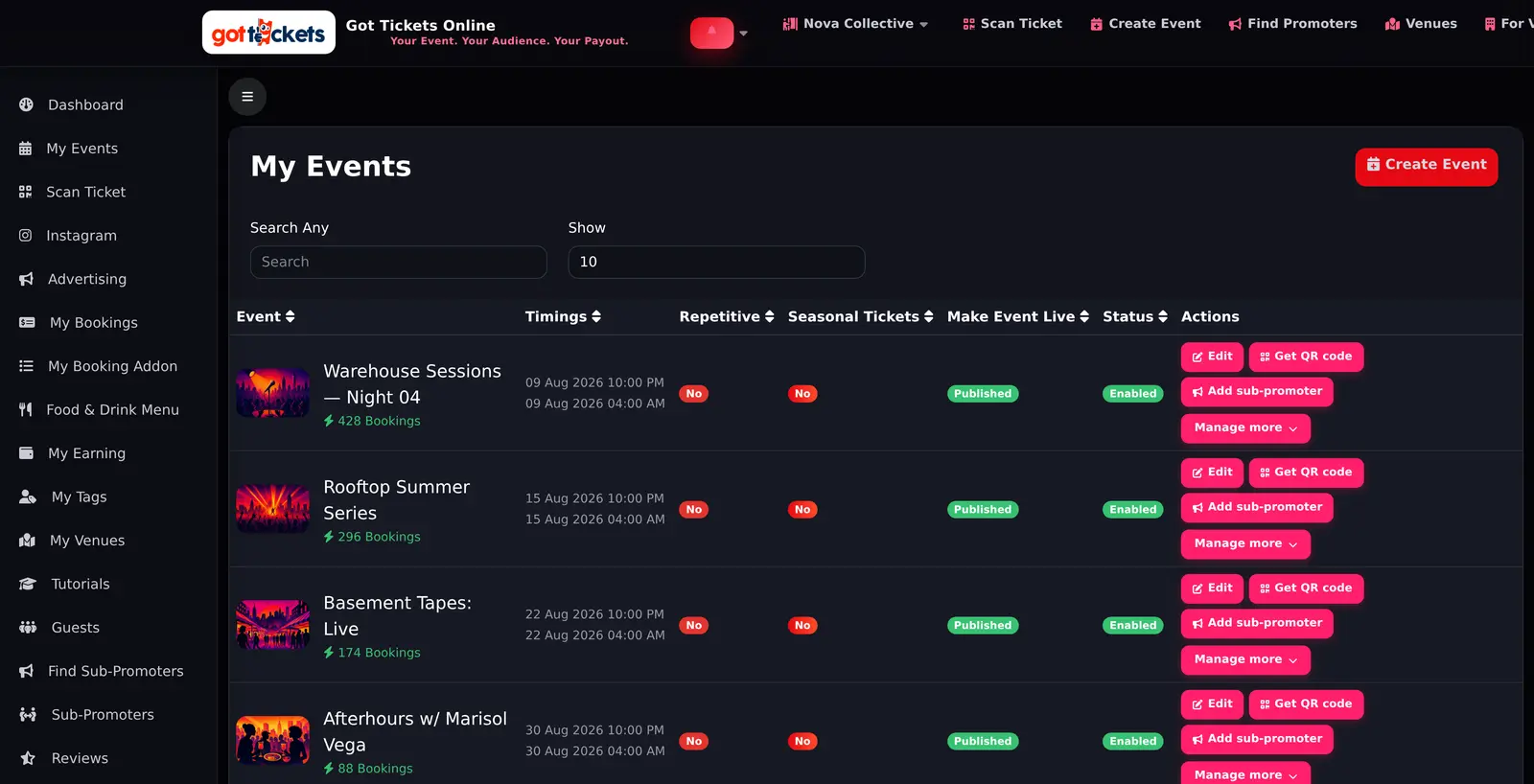
Build the event,
then let AI finish it.
A numbered builder that tells you exactly what is still missing before you can go live. Already have a flyer? Upload it and the details fill themselves in — or describe the night in a sentence and let it draft the rest.
Run the ad
without leaving.
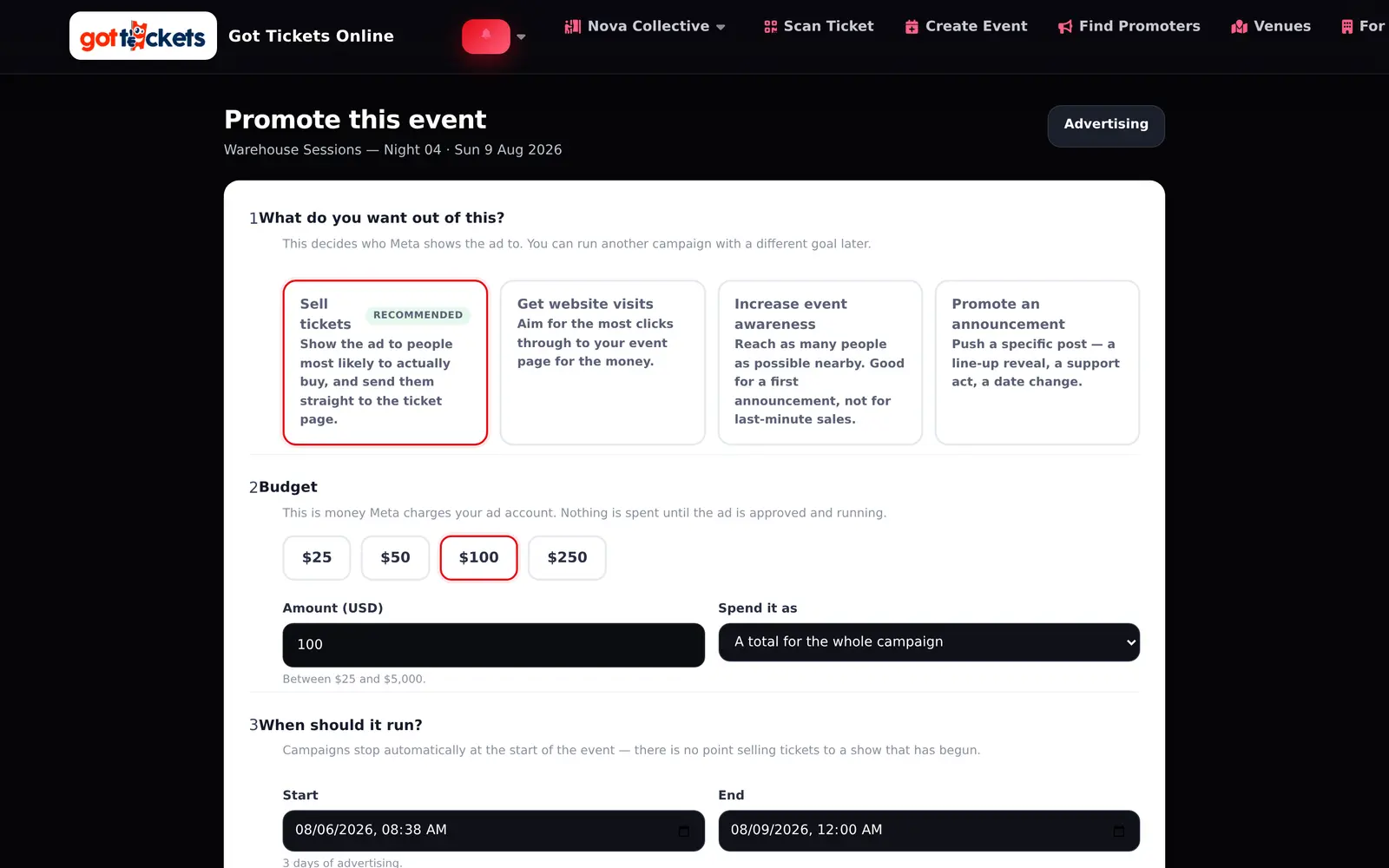
Connect your own Meta account and build an Instagram and Facebook campaign against an event in four steps. Meta bills you directly — we never hold your advertising money, and the campaign stops on its own when the event starts.
What you made,
and what was taken.
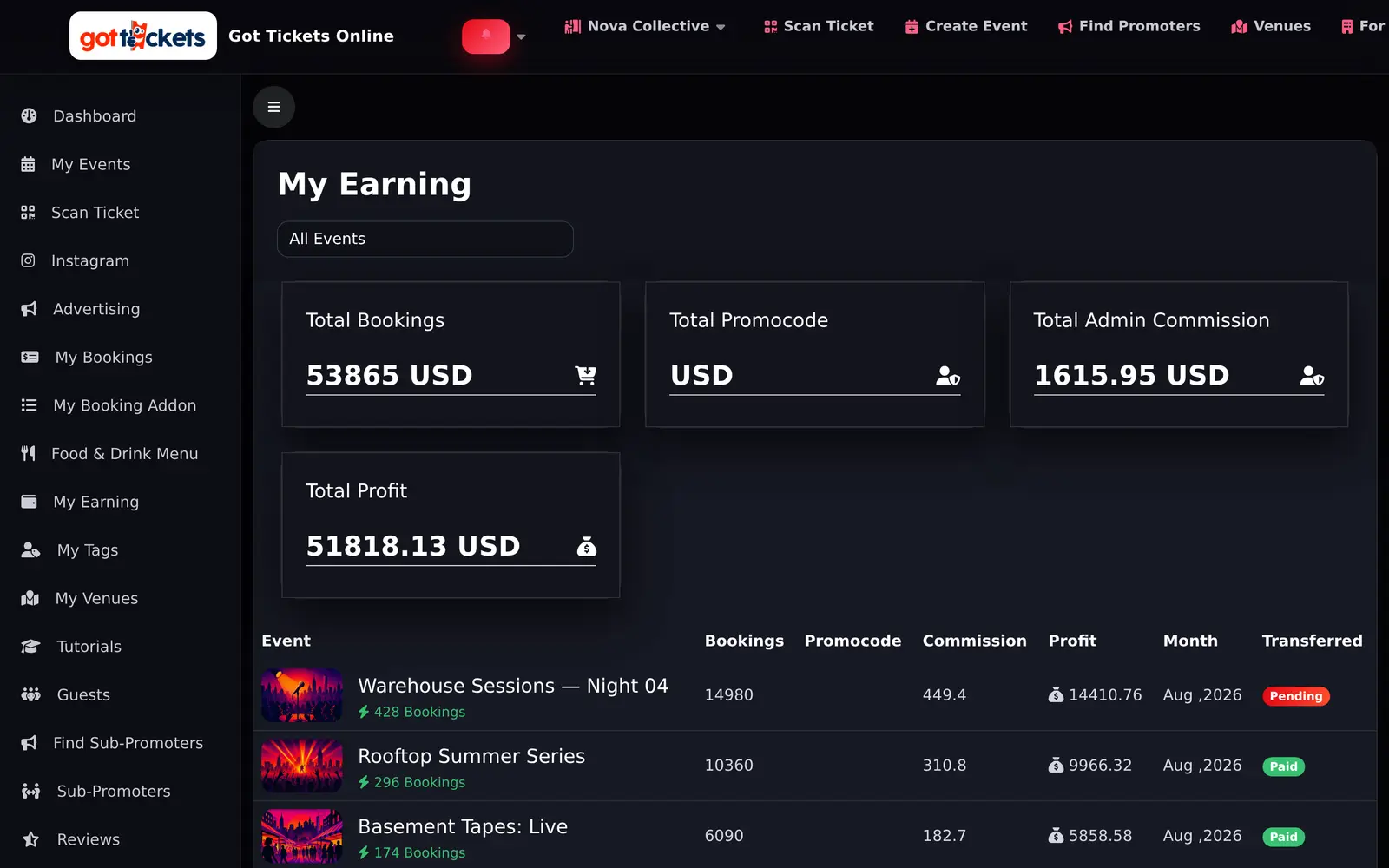
Gross takings, the platform commission, and your profit — per event, per month, with the transfer status beside it. The fee is not buried in a statement you have to reconcile; it is a column.
Your link.
Your commission.
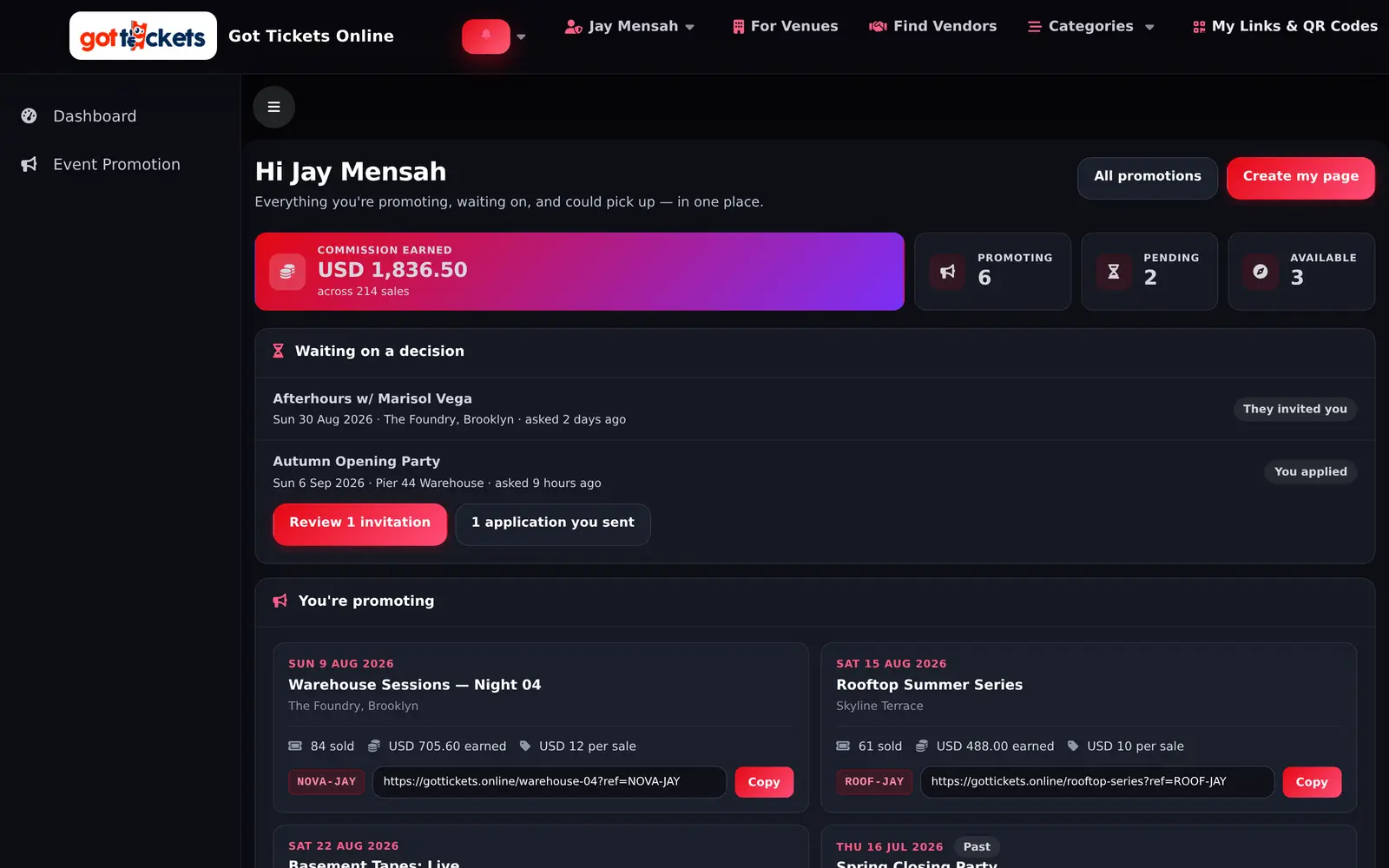
Every sub-promoter gets a tracked link per event and sees exactly what it earned. No spreadsheets, no arguing at the end of the night about who brought whom.
Pick the nights
you want to sell.
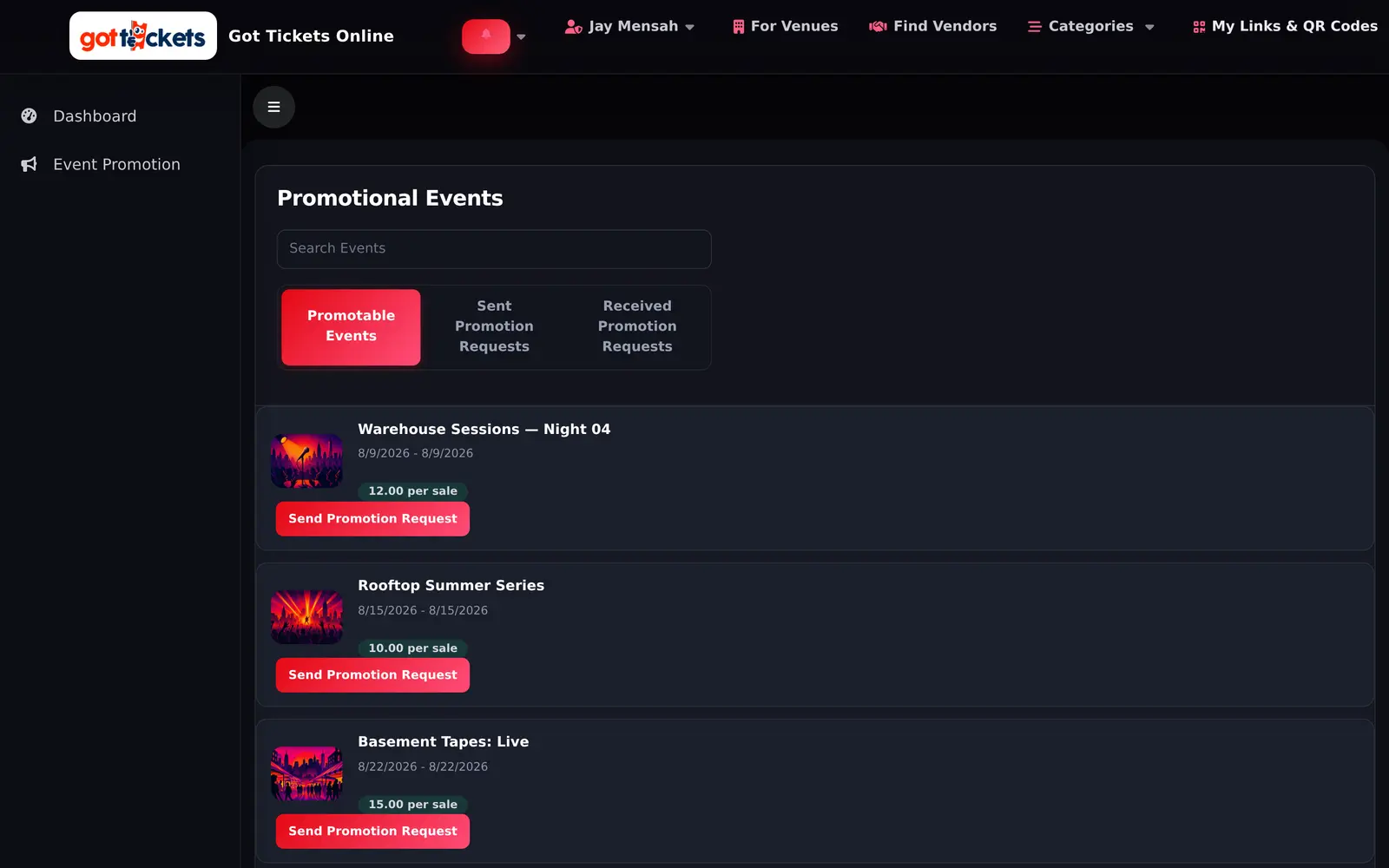
Browse every event open to promoters, see what each one pays before you commit, and ask to promote the ones you can actually fill. The organizer accepts, and your tracked link appears.
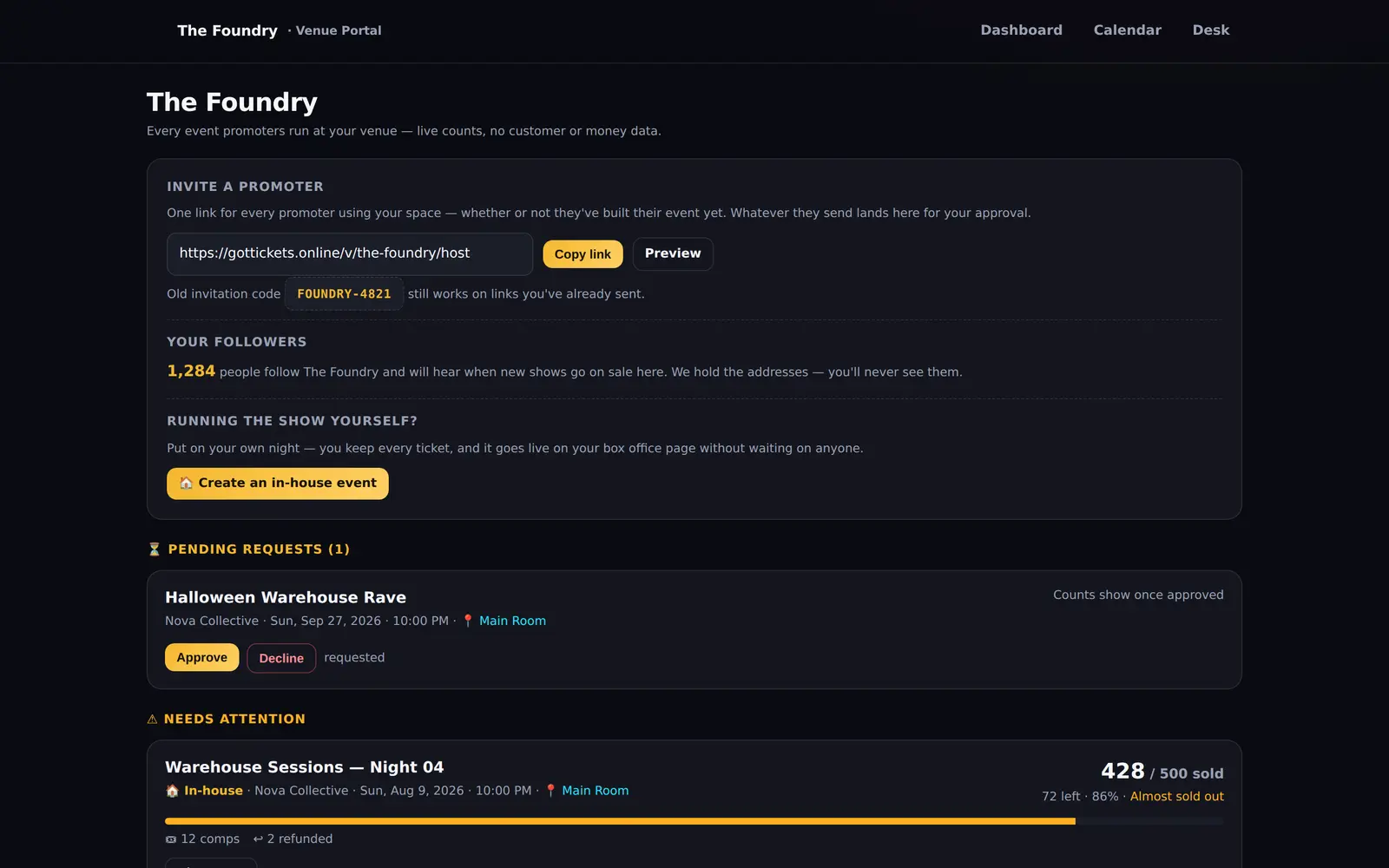
Every event
in your rooms.
Venues see what is happening in their space without having to ask the promoter. Live counts, capacity warnings, and one link to hand to anyone who wants to put on a night — and a hard privacy wall around everything else.
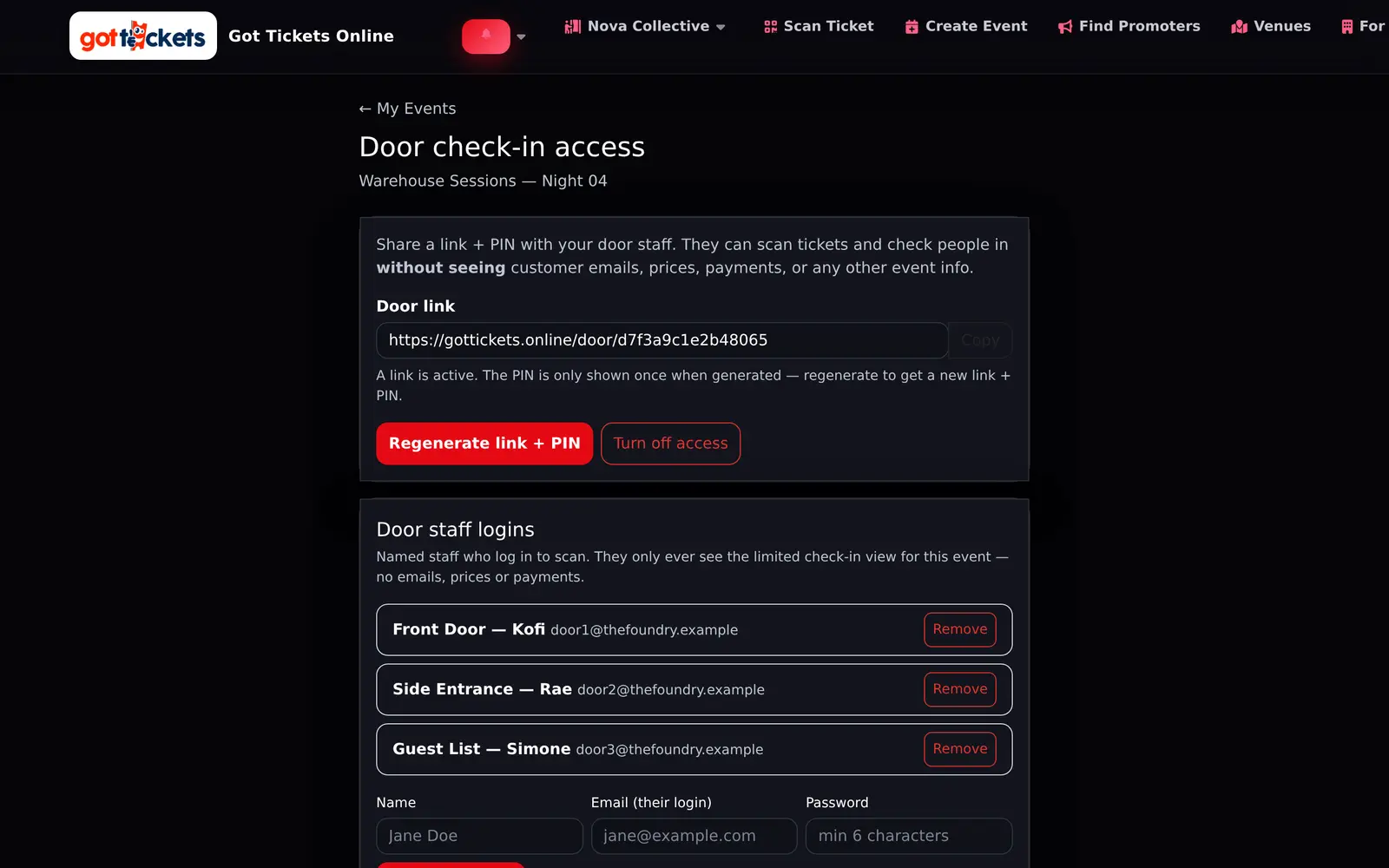
Scanning, without
handing over the keys.
Door staff get a link and a PIN that only ever opens the check-in view for one event. They scan tickets and let people in. They never see an email address, a price, or a payment.
The fastest way to see it is to use it
Free to start. You only pay when you sell.
Building an event costs nothing, and there is no monthly fee waiting for you if the show does not happen. Connect your own payment account and the money from your tickets settles to you — we are not holding it.
There's more than these nine
The tour covers the nine screens people ask about most. The platform also includes event building and ticket types, promo codes and guest lists, at-venue food and drink ordering, a vendor marketplace, Instagram publishing and Meta ad campaigns — all in the same account.
Want to see a specific screen before you commit? Ask us and we will show you the real thing rather than a slide about it.